A note about the Photos:
All the original photo’s vary in size, but generally we tried to store a digital image that was ruffly 3,000 x 4,000 pixels. In other terminology, we are storing the equivalent of 8MB (8 million bytes -or- 8 mega-pixels). This is about twice the resolution of today’s digital cameras. Obviously, the original photos vary in size. Photos range from 1″ by 1″ up to 8″ by 10″. Most we find are in the 3″ x 3″ to 5″ by 7″. Because of the different size originals, you may have to adjust your scanner settings to get a more consistent resolution of the resulting digital photos. Please see the table below.
If you want to print the photos in our family photo archive, click on the particular photo and press the download icon. The majority of these will print fine up to 8 x 10 inch, or smaller.
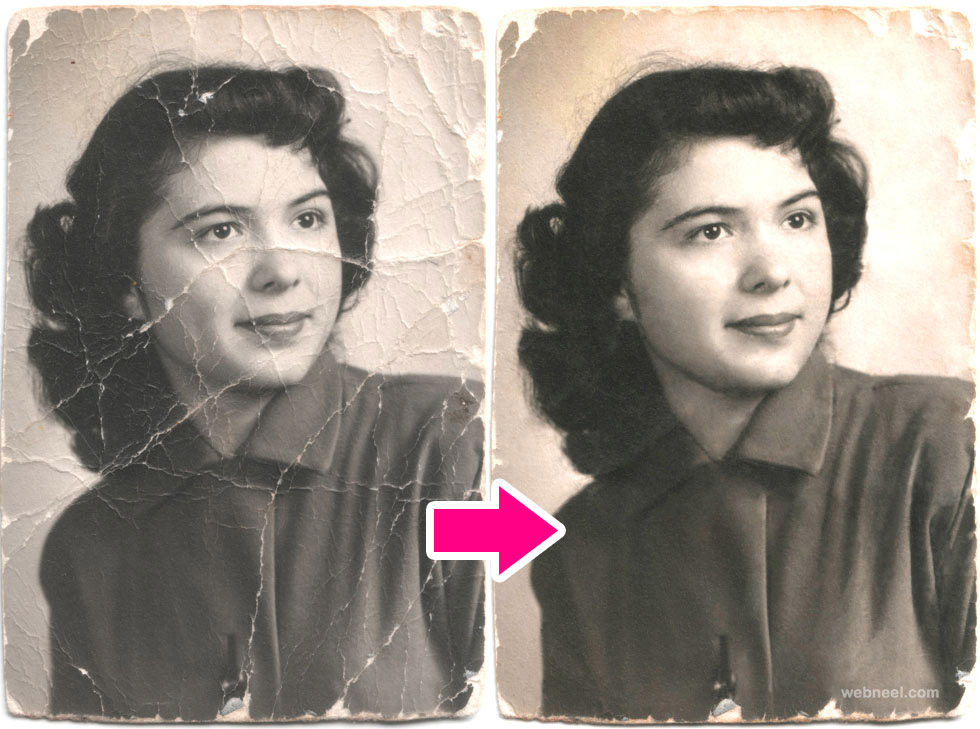
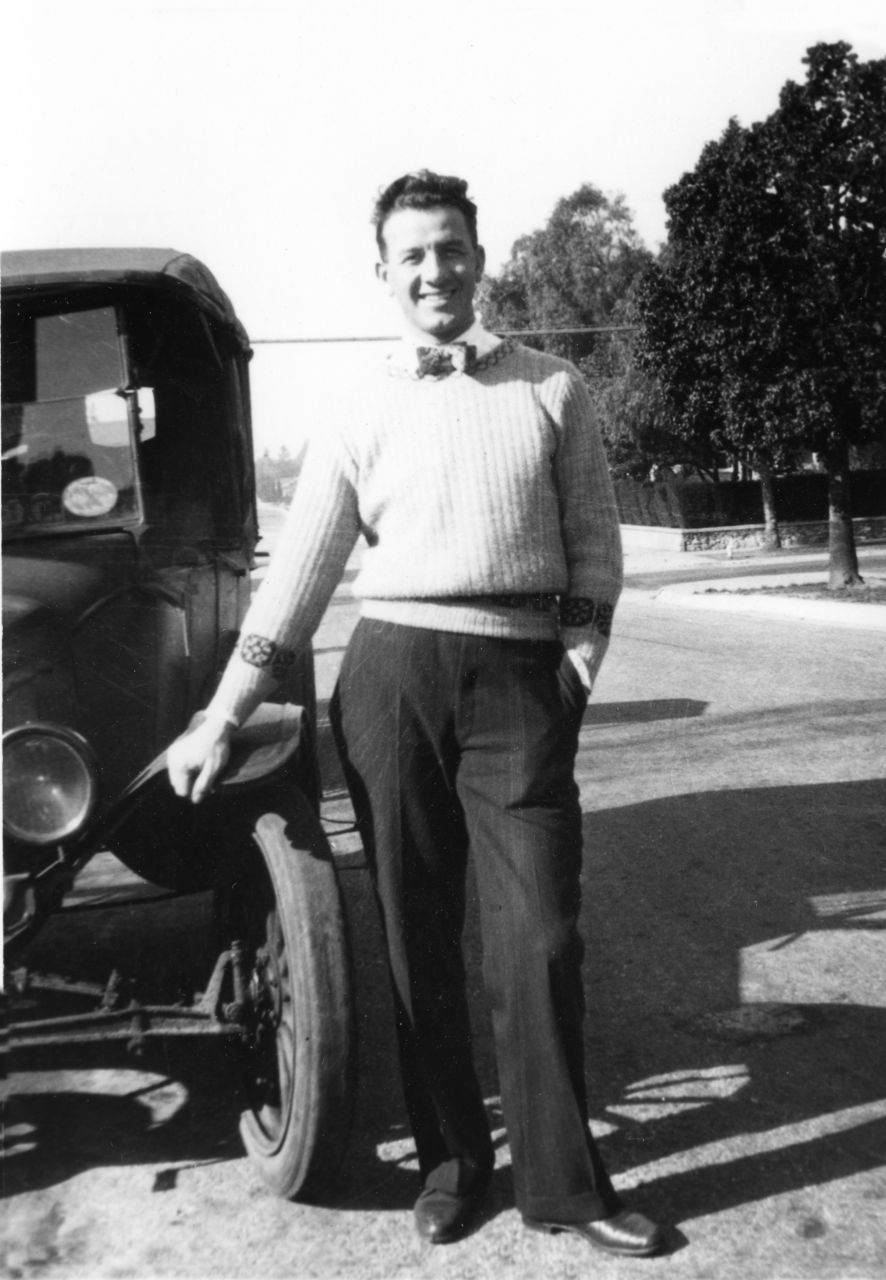
Only a few of the photos in the website have been “cleaned up” and restored. So until we are able to do more photo restoration work, some of the photos have scratches and dirt specks. For those of you that are into digital photography, the majority of these pictures exist in our master files in a multi layered TIF format. Since many computers and DVD players do not handle TIF, we also store them in high quality JPG. It is these JPG formats that are in the website’s photo archive.

Scanning photos:
If you scan photos contact me. I have some helpful hints and setting information that helps get decent results and will be more consistent with the photos in this collection. Here are a few general points:
- make sure the photo does not have dust on it
- use original photos (not copies of copies or enlarged copies)
- scan at 600 dpi resolution for most standard size photos (see Table below)
- use the “color photo” setting, even for B&W photos
- save the file with a name that starts with a year and lists key people (For example, 1923-Joe Blow and Jane Doe.jpg)
- if you are cropping or zooming in on a portion of a photo, use 1200 or 2400 dpi or higher
- If cropping, we try to keep the ratio to 4×6 or 5×7 (not a must, use good judgement)
- generally we are looking for a resulting file size of at least 1MB, and targeting most to be 3MB size as this allows enough ‘information’ to do photo restoration work.
___________________________________________________________________________
Scanning Resolution Guideline:
This table is a suggested guideline. In older family photo albums, you often find small photos, almost postage size. As the table shows, you want to scan at a much higher DPI setting for these smaller photos in order to get as much photo resolution as possible. This allows for photo restoration improvements. On the other hand, a large 8×10 photo can be scanned at a lower DPI resolution as it still will yield plenty of photo ‘information’ for restoration work.
| Original Photo Size (inches) | Scanner Setting | Approx Digital Dimensions | Resulting File Size (approx) |
| 1×1 | 4800 dpi | 4800 x 4800 | 6MB |
| 2×3 | 1200 dpi | 2400 x 3600 | 4MB |
| 3×3 | 800 dpi | 2400 x 2400 | 3MB |
| 3×5 | 800 dpi | 2400 X 4000 | 5MB |
| 4×6 | 600 dpi | 2400 x 3600 | 4MB |
| 5×7 | 600 dpi | 3000 x 4200 | 6MB |
| 8×10 | 300 dpi | 2400 x 3000 | 3MB |
___________________________________________________________________________